Connect with others in the network
Connect with members in the network by using the Activity Feed, participating in Groups, viewing the Agencies and Members pages, attending network discussions, and managing your connections and requests.
There are several ways within your Goose by Q4i to connect with other members.
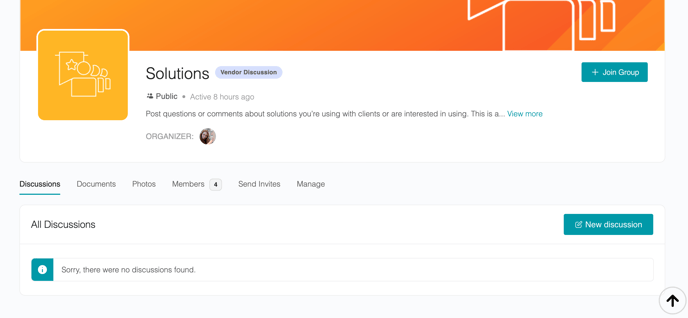
- Participate in Groups:
- You can reply to discussion posts, view, message, and send Connection Requests to fellow Group members, and subscribe to Groups of interest to receive new activity notifications.
- Scroll through the Activity Feed to:
- See a complete timeline of discussion posts and replies.
- Use the Connect With New Members feature.
- Share a post.
- View member activity, such as new Group members and users.
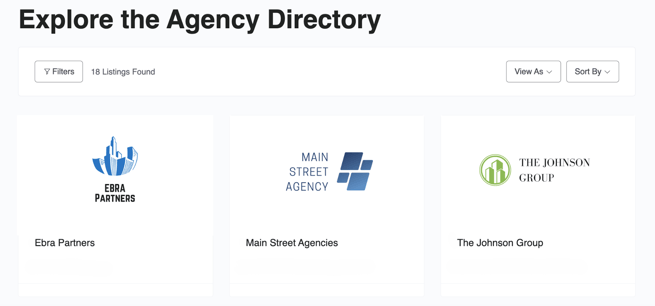
- Visit the Agencies page to view a list of other agencies in the network, including main contacts, location, website, and social media links (e.g., Twitter, Facebook, LinkedIn).
- Send messages and manage your inbox in Messages.
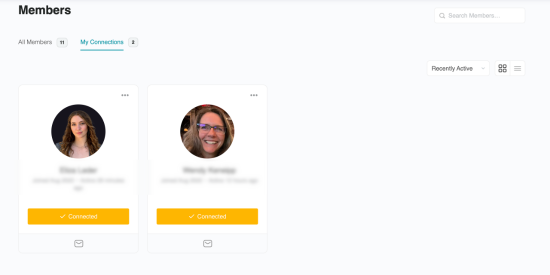
- Send messages and Connection Requests to others on the Members page.
- Manage Connections and Requests under the Connections tab in your Profile.